On this page
The short version
- Most attacks use ordinary doors: stolen passwords, unpatched software, fake emails and fake invoices.
- Six habits answer them: stronger sign-in, a password manager, automatic updates, tested backups, a payment-check rule and limited access.
- None of them needs a big budget. They need to be switched on and kept on.
- Start with email and money. That is where losses are highest.
What the data say
Imagine a three-person accounting firm in Manchester. A partner gets an email that looks like it is from a client, asking to update bank details before the next payment. Nobody is hacked in a dramatic way. Someone just believes an email. That story is more typical than the films.
The latest reports tell the same story from three angles:
- Verizon's 2026 Data Breach Investigations Report (more than 22,000 breaches) found the human element in 62% of breaches. Exploiting software vulnerabilities was the top way in, at 31%. Ransomware appeared in 48% of breaches, and third parties were involved in 48%.
- For smaller organizations the picture is similar. Verizon's "SMB" section covers organizations with fewer than 1,000 employees, so it is broader than a corner shop. There, about 96% of ransomware victims were SMBs, hit mostly through compromised credentials (38%) or unpatched edge devices such as firewalls and VPNs (29%). Verizon calls the attacks opportunistic: they are not about industry or revenue.
- The UK government's 2025/26 survey found 43% of businesses had a breach or attack in the last 12 months, 42% of micro businesses (1 to 9 staff). Phishing was by far the most common type, affecting 38% of businesses. Only 47% used any form of two-factor authentication.
- The FBI's 2025 Internet Crime Report logged over a million complaints and about 20.9 billion dollars in losses. Business email compromise, where fraudsters pose as a supplier or boss to redirect payments, accounted for about 3.05 billion dollars in 24,768 complaints. These are victim reports, not all crime.
The UK's NCSC puts it simply: most cyber-attacks are basic in nature. The good news is that basic attacks can be met with basic habits.
The 6 habits
1. Turn on stronger sign-in, starting with email
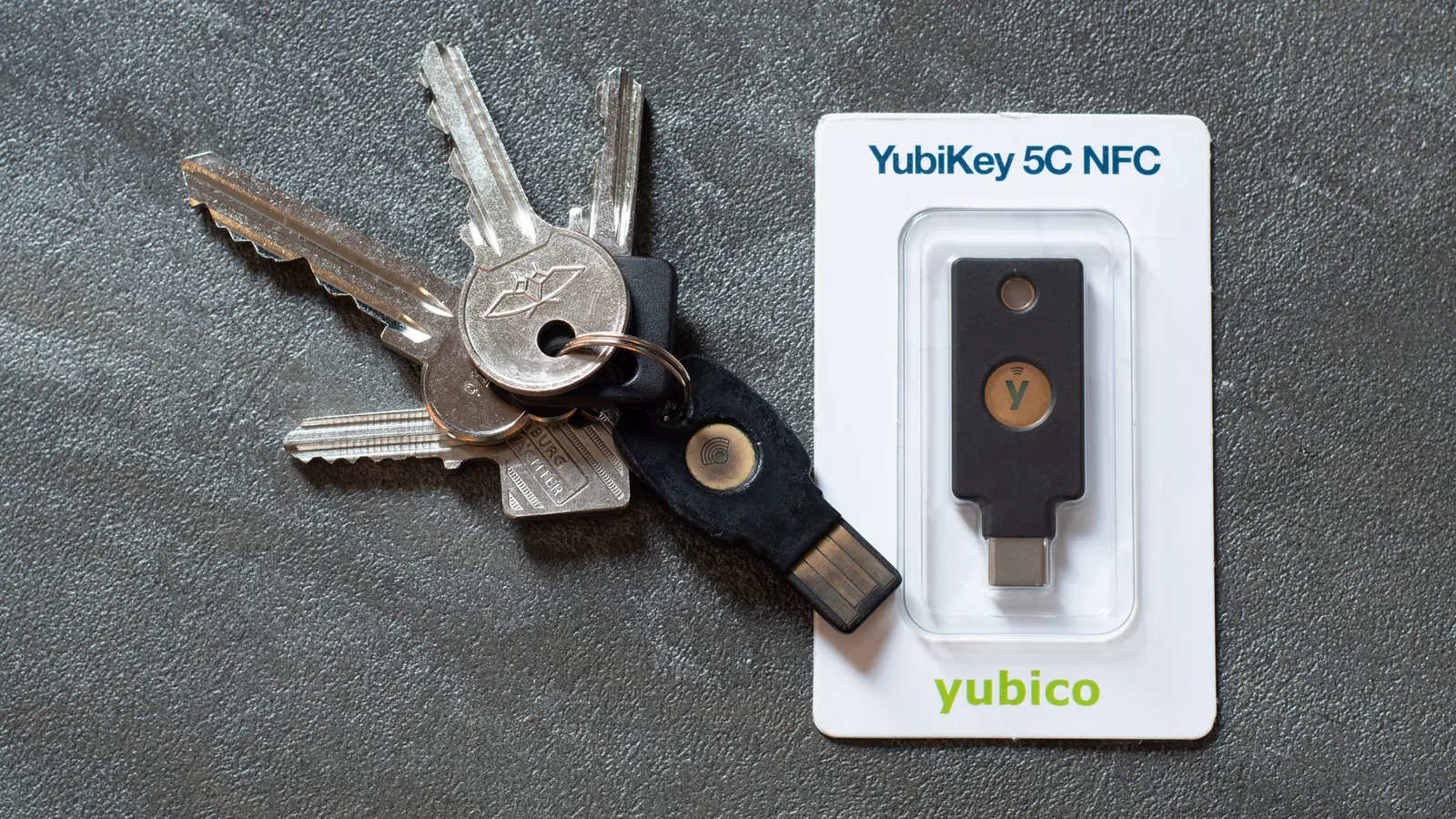
CISA says any form of multi-factor authentication is better than none, and ranks the options: security keys and other FIDO methods strongest, authenticator apps and number-matching prompts next, text and voice codes last because of SIM-swap attacks. The NCSC says two-step verification is one of the most effective ways to protect accounts that still use passwords, and recommends enabling passkeys on your most important business accounts first.
The FIDO Alliance, which promotes passkeys, describes them as credentials tied to a specific site, so they resist phishing. It reports growing adoption, though that is the promoter's own data. Start with email, banking, payroll and your cloud admin accounts.
2. Use a password manager and long, unique passwords
NIST's final 2025 guidance says a password used as the only factor should be at least 15 characters, and that services should not force composition rules or periodic changes unless a password is compromised. It also says passwords are not phishing-resistant, which is why habit 1 matters. In practice: let a password manager create and store a unique password for each account, and protect the manager itself with two-step verification. Different bodies suggest different lengths (the FTC says 12 characters, CISA says 16), so the point is long, unique and managed.
3. Update everything, automatically
Because exploited vulnerabilities were the top entry point in Verizon's data, updates are not housekeeping. Turn on automatic updates for computers, phones and apps, replace devices that no longer get updates, and do not forget internet-facing equipment such as routers, firewalls and VPN gateways, which Verizon links to 29% of ransomware cases in its SMB data.
4. Back up, keep one copy offline and test it
CISA's 3-2-1 rule: three copies of important files, on two different types of storage, with one copy off-site. Its ransomware guide adds that backups should be offline and encrypted where possible, because attackers hunt for backups they can reach, and that cloud sync alone may not be enough since it can overwrite clean files with damaged ones. The NCSC adds: disconnect the external drive when you are not using it, turn on two-step verification for online backups, and practice restoring.
5. Make a rule for money and for odd messages
Phishing was the most common attack in the UK survey, and in the Verizon data mobile-based attacks such as texts and calls got a median click success rate 40% higher than email. CISA lists four warning signs: urgent or emotional language, requests for personal or financial information, untrusted shortened links, and slightly wrong email addresses.
For money, adopt one firm rule: no payment detail changes on the strength of an email. The FBI says to verify all payment changes and transactions in person or via a known telephone number, and to enable multi-factor authentication on all email accounts. The number must be one you already hold, because phone numbers can be spoofed.
Make it a company rule, not a favor: if a staff member has to ask, "Are you sure the boss really wants this paid?", they need to know that checking is expected and nobody gets in trouble for it.
6. Limit who can get to what, including suppliers
Two of the five Cyber Essentials controls are about access: control who can reach your data and services and at what level, and keep malware protection on. Give each person only what their job needs, remove accounts when people leave and review access to your cloud tools. Third parties matter too: Verizon found third-party involvement in 48% of breaches, and only 23% of third parties fully fixed missing or poorly secured multi-factor authentication on their cloud accounts. Ask suppliers how they protect your data. See our guide to hiring a team abroad for ideas on safe access.
If something goes wrong
Agree the plan before you need it. A one-page version:
- First hourDisconnect affected devices from the network and change passwords on the affected accounts from a clean device. This is common practice, so ask your IT provider for their own steps.
- First dayTell the person who runs IT, your insurer if you have cyber cover and your bank if money moved. Ask the bank to recall a payment at once.
- ReportIn the US, report fraud to the FBI's Internet Crime Complaint Center. In the UK, report to the NCSC and the national fraud reporting service. If personal data is involved, you may have a legal duty to notify regulators and customers, so take advice.
- RecoverRestore from your offline backup. Law enforcement does not recommend paying a ransom, according to the FTC. Verizon found 69% of ransomware victims did not pay.
Where to start this week
- Monday: emailTurn on multi-factor authentication on every email account, using an app or passkey rather than text codes where you can.
- Tuesday: passwordsPick a password manager and move your five most important accounts into it.
- Wednesday: updatesTurn on automatic updates everywhere and list any device that no longer gets them.
- Thursday: backupsCheck you have a copy that is offline or disconnected, and restore one file to prove it works.
- Friday: the payment ruleWrite down the rule that bank detail changes are confirmed by phone on a known number. Tell everyone.
For a structured checklist after that, the NIST Small Business Quick-Start Guide for the Cybersecurity Framework 2.0 is free and organized around six functions (Govern, Identify, Protect, Detect, Respond and Recover), and the UK's Cyber Essentials certifies the five basic controls. If you are using AI tools, also read our guide to shadow AI.
Related guideYour team is already using AI. Do you know which?How to find and manage unapproved AI tools before they cause a problem.Questions people ask
What is the most common way small businesses get hacked?
It depends on the dataset. In the Verizon 2026 report, exploiting vulnerabilities in software was the top way in (31 percent of breaches), and for organizations under 1,000 employees it was 26 percent, ahead of credential abuse at 13 percent. In the UK government's 2025/26 survey, phishing was by far the most common type of attack, affecting 38 percent of businesses.
Is SMS two-factor authentication good enough?
It is far better than nothing, and CISA says any form of multi-factor authentication is better than none. But CISA ranks SMS and voice codes weakest because of SIM-swap and similar attacks, and phishing-resistant options such as passkeys and FIDO security keys strongest. Use an authenticator app or passkey on important accounts when you can.
What is a passkey?
The FIDO Alliance, which promotes the standard, describes a passkey as an authentication credential based on FIDO standards. It is tied to the specific website, so a fake site cannot use it, which is why it is called phishing-resistant. The UK's NCSC recommends enabling passkeys on business-critical accounts first.
How do I stop invoice and payment fraud?
Verify any change to payment details using a phone number you already hold, not one in the email. The FBI's guidance says to verify all payment changes and transactions in person or via a known telephone number, and to turn on multi-factor authentication for all email accounts. Business email compromise caused about 3 billion dollars of reported losses in the FBI's 2025 report.
How many backups should I keep?
CISA recommends the 3-2-1 approach: three copies of important files, on two different types of storage, with one copy off-site. For ransomware, it adds that at least one copy should be offline and encrypted, because attackers try to find and delete or encrypt backups they can reach. Test restoring regularly.
Want a security check-up?
Geneki can review your accounts, backups and software, and set up the basics so a small team stays protected without extra work.
Talk to usSources
- 2026 Data Breach Investigations Report
- Verizon 2026 DBIR press release
- Cyber Security Breaches Survey 2025/26
- 2025 Internet Crime Report
- Implementing phishing-resistant MFA
- Secure Our World
- Back up business data
- #StopRansomware guide
- Cyber Essentials overview
- Small organisations guide to cyber security
- Trust the tech: using password managers and passkeys
- NIST Special Publication 800-63B-4: digital identity guidelines
- Cybersecurity for small business
- NIST CSF 2.0 small business quick-start guide (SP 1300)
- Public service announcement on business email compromise (I-040620-PSA)
- What are passkeys?
This guide is general information, not a security audit or a guarantee. The datasets use different definitions: Verizon's 'SMB' means organizations under 1,000 employees, and the FBI figures are victim complaints, not all crime. We found no reliable figure for how many attacks these habits stop. Security advice changes, so check the linked sources.



.jpg)